Safe play, self-limits, and transparent controls in the ABC77 App
Safe play on the ABC77 App is very easy for Bangladeshi players; many users in Dhaka combine bKash, Nagad, and Rocket to set their spending in advance
Download ABC77 APK Get help
Understanding cool-off and self-limits in the ABC77
Cool-off means a short break; self-limit means putting stricter rules for yourself; they are not the same, and they work differently
Cool-off period
- Take a break from 24 hours to 30 days
- If you wish, you can return later
- The account remains, but activity stops
- Keeps a cool head during a short break
Self-limit
- Cannot return at a set time
- Long-term control is needed
- Set with support if needed
- Not a break in play, it enforces a hard stop
If you just want to reduce pressure, a cool-off is enough; if you want to stop the habit, self-limits work well
Enable safety settings before ABC77 Login
Step 1: Set limit
After ABC77 login, first view the daily limit; if you set the budget in 1 minute, the tension decreases later
Step 2: Choose time
You can choose a 24-hour, 7-day, or 30-day cool-off; many Dhaka users use this option to block late-night activity
Step 3: Confirm and submit
Once set, the rule starts to work; the support team helps change settings in the ABC77 App
What happens after the cool-off in the ABC77
When the break ends, the account opens again, but it's good to review the previous limits; in this step, reorganizing yourself is the real task
After downloading ABC77, you can set all controls on the same day; if you review the budget before topping up with bKash or Nagad, spending stays in check
More safety tools in the ABC77 APK

Budget alert
Notifications arrive when spending reaches the set limit; it takes 2 or 3 clicks at most

Session timer
Shows how long you have been playing, making it easy to take a break every 15 minutes
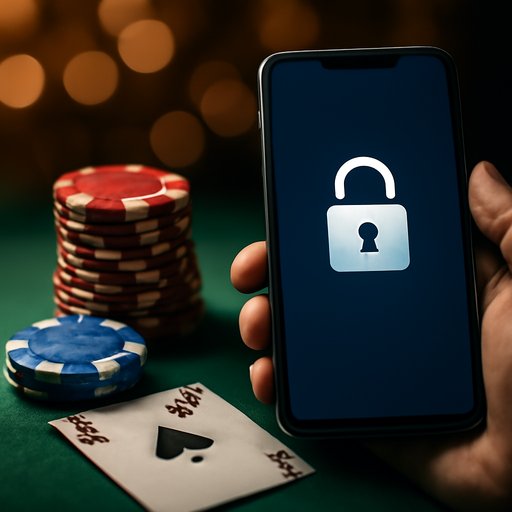
Account lock
You can temporarily block access; later you can open it via support
Using these tools together makes control easier; Rocket, bKash and Nagad users also benefit from the same safety rules
Support, resources and direct contact
If you're not sure about your limits, first Privacy policy And Terms of use See there; many aspects of account controls are clearly written
For more practical guides Payment methods And ABC77 About Read this to understand how to progress responsibly in Bangladesh using bKash, Nagad, Rocket
Talk to the ABC77 support team Get the ABC77 App now